Initiative Master
A downloadable tool for Windows
Initiative Master is a fast and intuitive tool designed to help DM’s manage combat encounters. It is 5e compatible.
**This works with Windows 10 and 11, I have not tried other versions**
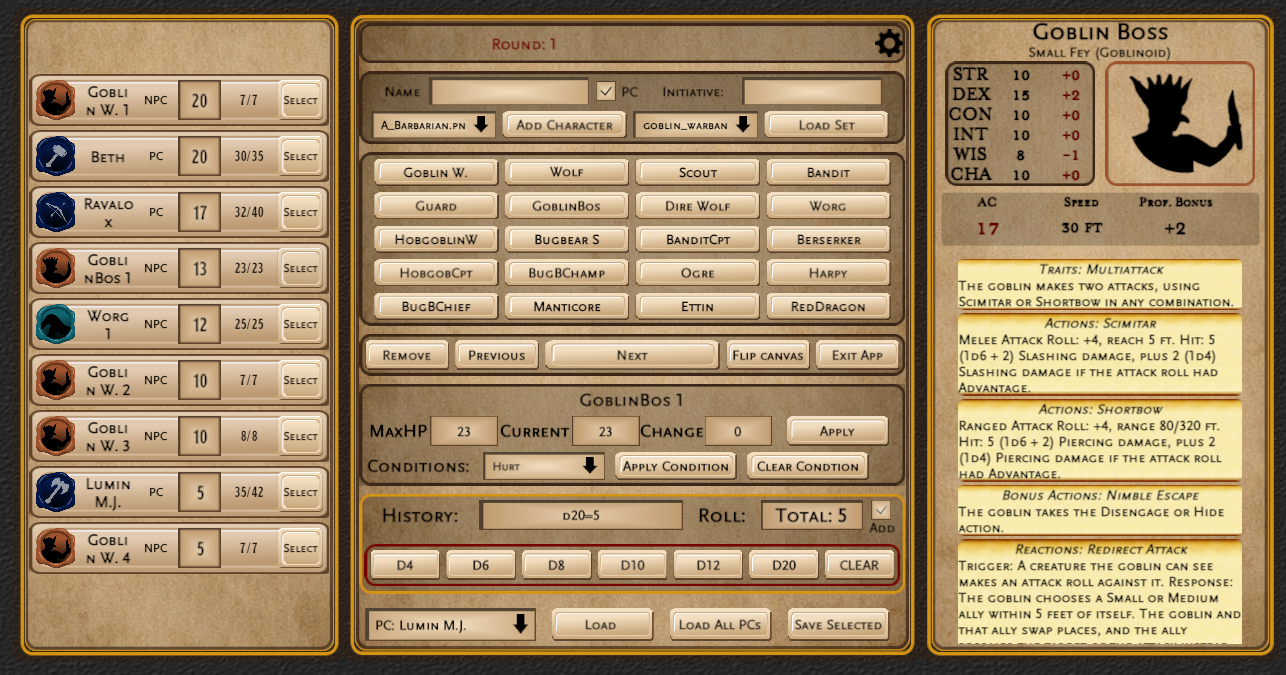
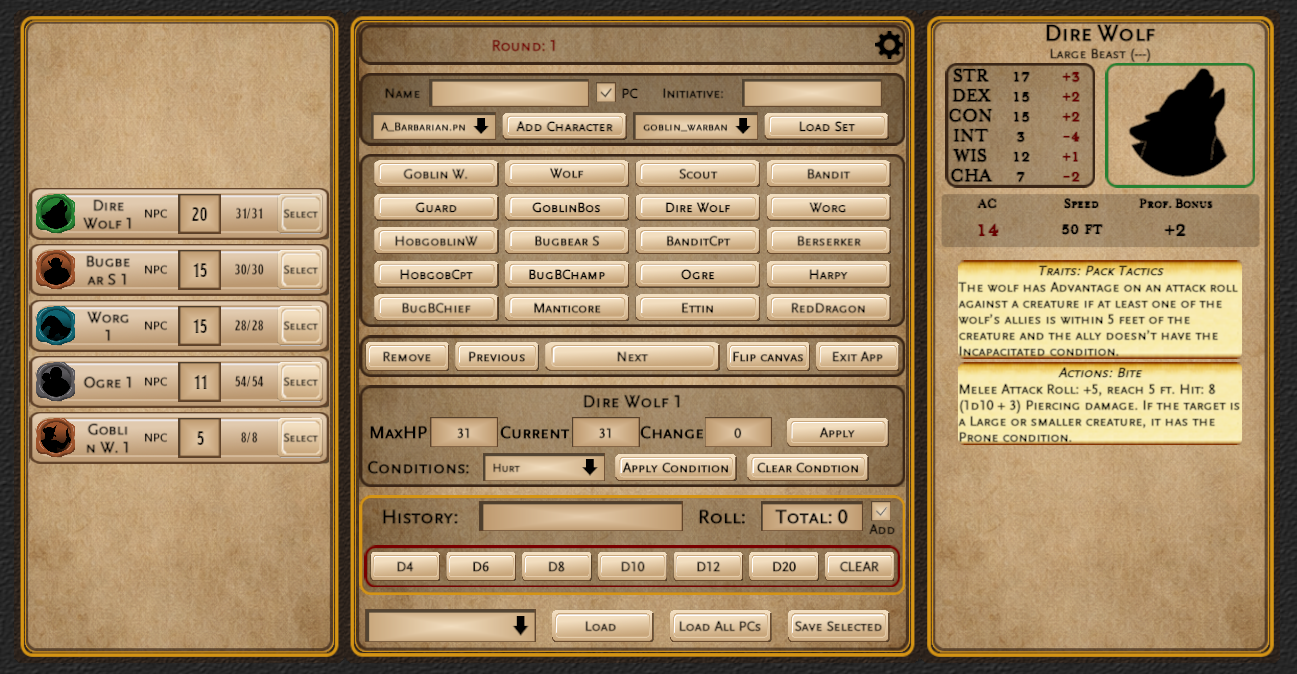
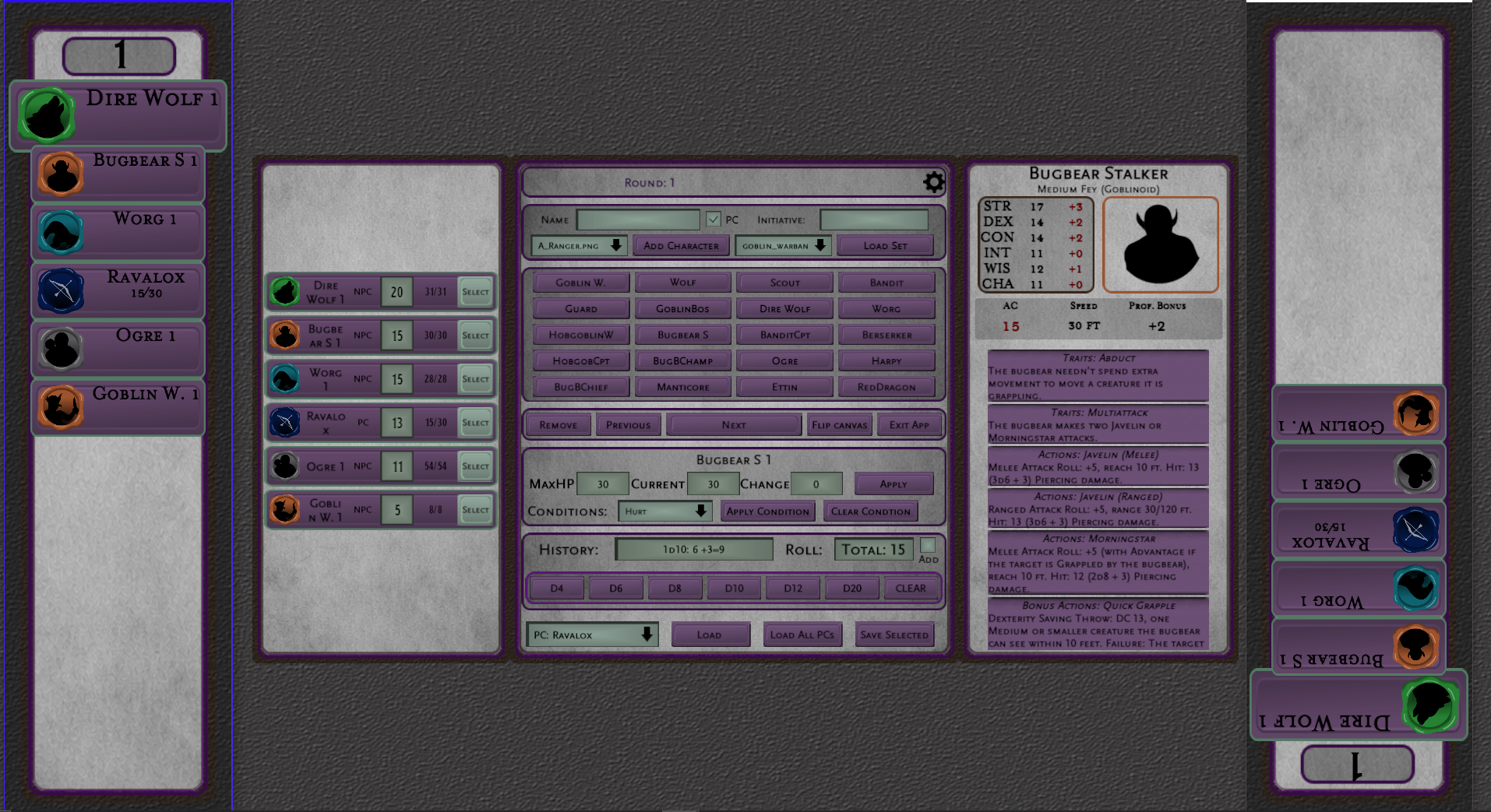
This app is designed to work with 3 windows: 1 controller window and 2 Tracker windows. The controller window should be on your Windows laptop (or PC) and the 2 Tracker windows should be run on a connected secondary screen (monitor/tv/projector/etc. whatever system you are using). This is not mandatory, you can still use the app without a secondary screen, although this is why it was created.
The two tracker windows can be moved around across the screen however you would like. I like to put one on either side of the secondary monitor with a map in the middle. There is an option to flip one of the tracker windows 180 degrees so that it will face the players on the other side of the table/screen.
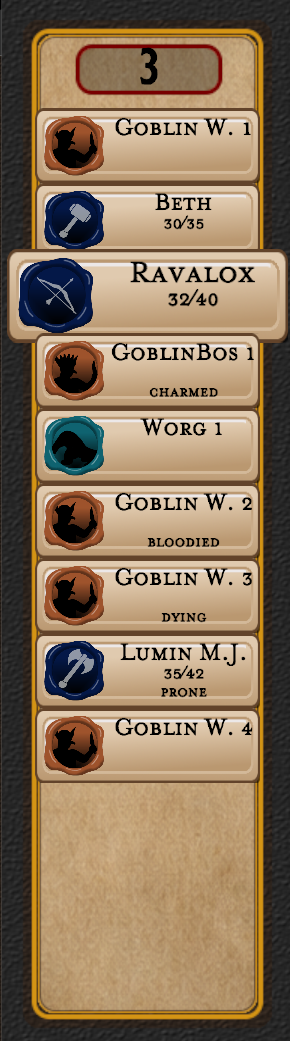
The two tracker windows will show all of the monsters and PC’s in their initiative order. Whichever characters turn it is will be highlighted by their character tile being larger. When you press the next button the next character in line will be highlighted.
You can track initiative, monitor monsters, roll dice, and keep the game moving without flipping through any books or spreadsheets
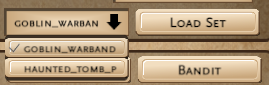
The app comes loaded with 40 (SRD compliant) monsters ready to go. These monsters are broken up into two packs: Goblin Warband and The Haunted Tomb. Each pack is a curated list of monsters that incrementally become more difficult (higher CR) as you work your way down through the buttons. The bottom row of buttons is the Boss row, and each pack comes with 4 bosses. To switch between packs simply click the dropdown menu, select the pack you would like to load (default is Goblin Warband) then select the Load Set button. There will be future packs available, based on different themes, and different monsters.
There are three visual themes that come installed with the app: Goblin Warband (the default theme), Haunted tomb (a grey and purple theme) and of course, Dark Mode.
Built For Customization
You can add your own homebrew monsters and create your own Monster Packs using simple editable JSON files. You can customize creatures, tokens, thumbnails and encounters easily. All of the data files are exposed in the user data folder (shortcut to folder is created on installation) and can be edited/copied/modified (always have a backup saved!)
Designed For Game Night
Features include:
- Initiative Tracker
- Dice roller
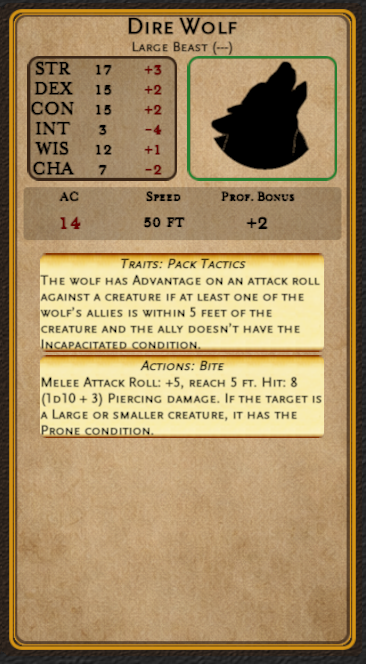
- Monster stat panel
- Interactable attack cards (click to roll attacks and see numbers in the dice roller fields - not animated!)
- Condition tracking
- Token display system
- Infinitely scalable library
- Different visual themes
- More monster packs and themes coming in the future (as DLC)
Everything is built to reduce bookkeeping so you can focus on running the adventure.
This work includes material from the System Reference Document 5.2.1 (“SRD 5.2.1”) by Wizards of the Coast LLC, available at https://www.dndbeyond.com/srd. The SRD 5.2.1 is licensed under the Creative Commons Attribution 4.0 International License, available at https://creativecommons.org/licenses/by/4.0/legalcode.
Purchase
In order to download this tool you must purchase it at or above the minimum price of $8.99 USD. You will get access to the following files:


Leave a comment
Log in with itch.io to leave a comment.